
Local keyword research
Keyword research shows what people in a client's city search for, with monthly volume, difficulty and cost per click. Save the useful ones to the client for tracking, Geo-Grids and content.
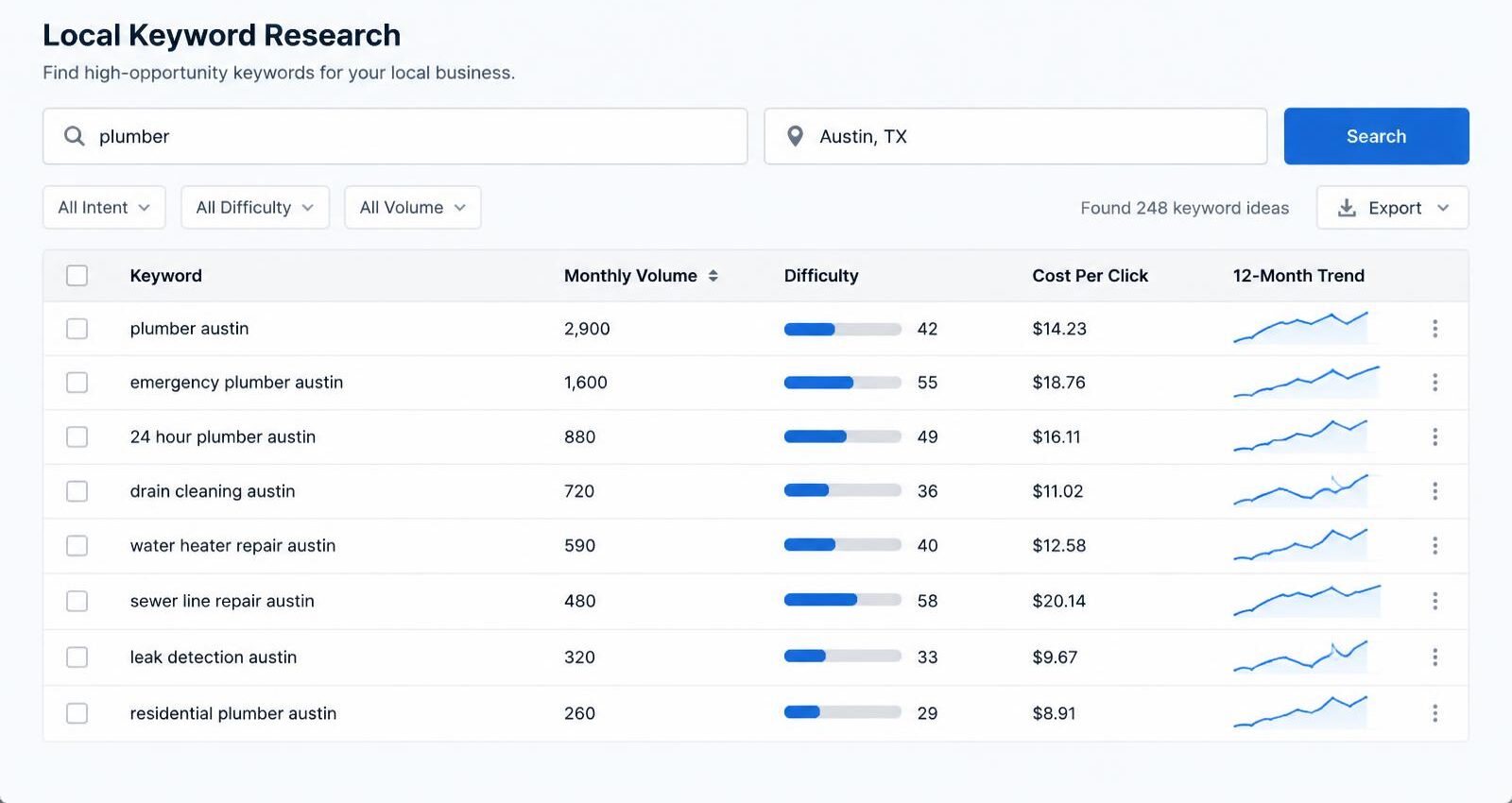
See a sample check
A sample Local keyword research run for a fictional business, Maple Leaf Plumbing & Heating in Canton, Ohio. Free, no sign-up.
Checking: “water heater” · Canton, OH
What you get
City and state required
Results are always tied to a real location.
Save to the client
One click adds a keyword to the client's saved list.
Low-competition finder
Search Opportunities finds keywords with difficulty under 30 and real search volume.
How it works
- Pick the client and enter a seed keyword.
- Confirm the credit cost.
- Save the keywords you want to track.

What it costs
- Keyword search: 1 credit
Prices come from the live price list and are shown again before every run. Nothing is charged until you confirm, and failed checks are free. See plans and credits.
Try a free tool first
More features
Try it with your own clients
Create a free account to look around, then pick a plan when you're ready. Every paid action shows its credit cost and asks you to confirm first.
Already have an account? Sign in