
Client reports
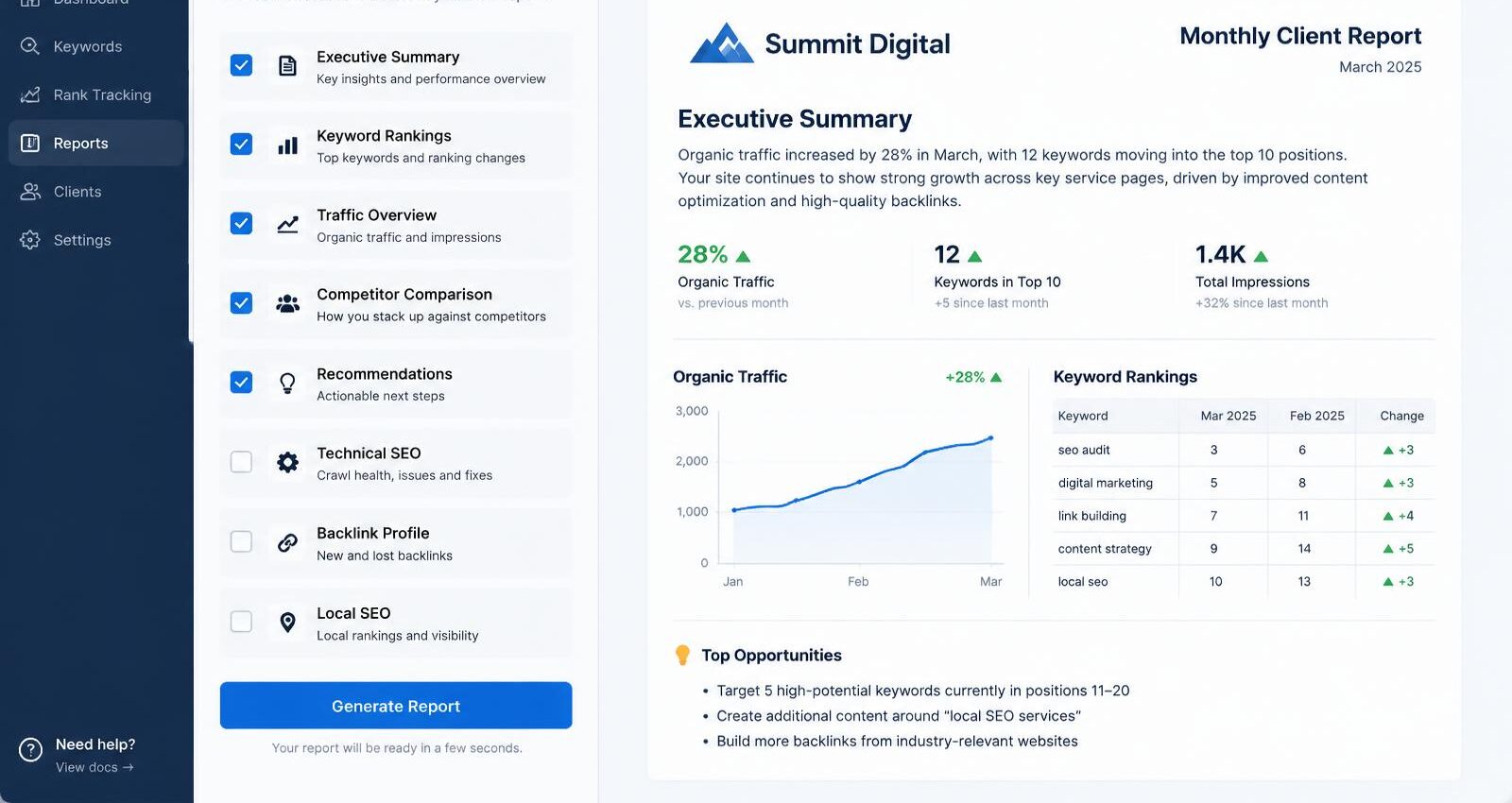
Client reports turn the data you've already saved for a client into a branded report. You pick the sections, their order and what each one shows, then run it once or on a schedule.
See a sample check
A sample Client reports run for a fictional business, Maple Leaf Plumbing & Heating in Canton, Ohio. Free, no sign-up.
Checking: Monthly report · Maple Leaf Plumbing & Heating · 30 days
What you get
Sections you choose
Summary, keyword rankings, Geo-Grids, website health, backlinks, AI visibility, sources to target, content, competitors, technology, search opportunities, search presence and your own notes.
Templates
Save section layouts as templates and reuse them for every client.
Scheduled reports
Set a report to run on a schedule. It only runs within the credits you agreed to, and pauses if the cost goes up.
AI summary from real numbers
The optional summary is written only from the numbers in that report.
How it works
- Pick the client and a template.
- Turn sections on or off and reorder them.
- Confirm the credit cost and run it now, or schedule it.
- Print to PDF or show it in the client portal.

What it costs
- Client report: 5 credits
Prices come from the live price list and are shown again before every run. Nothing is charged until you confirm, and failed checks are free. See plans and credits.
Questions
Does a report run new paid checks?
No. It uses data already saved for the client. Each report costs the same flat price.
Can reports be emailed automatically?
Not yet. Email delivery is coming. For now, reports can be printed or viewed in the client portal.
More features
Try it with your own clients
Create a free account to look around, then pick a plan when you're ready. Every paid action shows its credit cost and asks you to confirm first.
Already have an account? Sign in