
Update, Merge, Remove or Leave Alone: a Simpler Way to Prioritize Website Content
Publishing new pages is not always the next best move. A four-way sort of the pages you already have often wins back more enquiries, and it takes an afternoon, not a month.
By local-SEO.com Editorial Team · Published · 4 min read

When a local business decides to "do more SEO", the instinct is almost always the same: write something new. A new blog post, a new page, a new section. Sometimes that is right. But for most local sites, the faster win is sitting in the pages that already exist, quietly going stale or tripping over each other.
Before commissioning anything new, sort your existing pages into four actions. Update, consolidate, remove, or leave alone. Here is how that framework plays out for a local business, where the whole site might be thirty pages and every one of them either earns enquiries or gets in the way.
Start with the pages that pay the bills
You do not need to review every address on your site. Start with the pages that matter: the homepage, each service page, the contact page, and any article or page that still brings in visitors. For most local businesses that is five to fifteen pages.
For each one, note three things:
- What question it answers for a customer.
- Whether it still gets visitors or enquiries (Search Console shows clicks and impressions for free).
- Whether anything on it is out of date: prices, services, staff, opening hours, areas covered.
A year of Search Console data is worth reviewing if you have it, because local demand is seasonal. A furnace repair page looks dead in July and vital in November.
The four actions
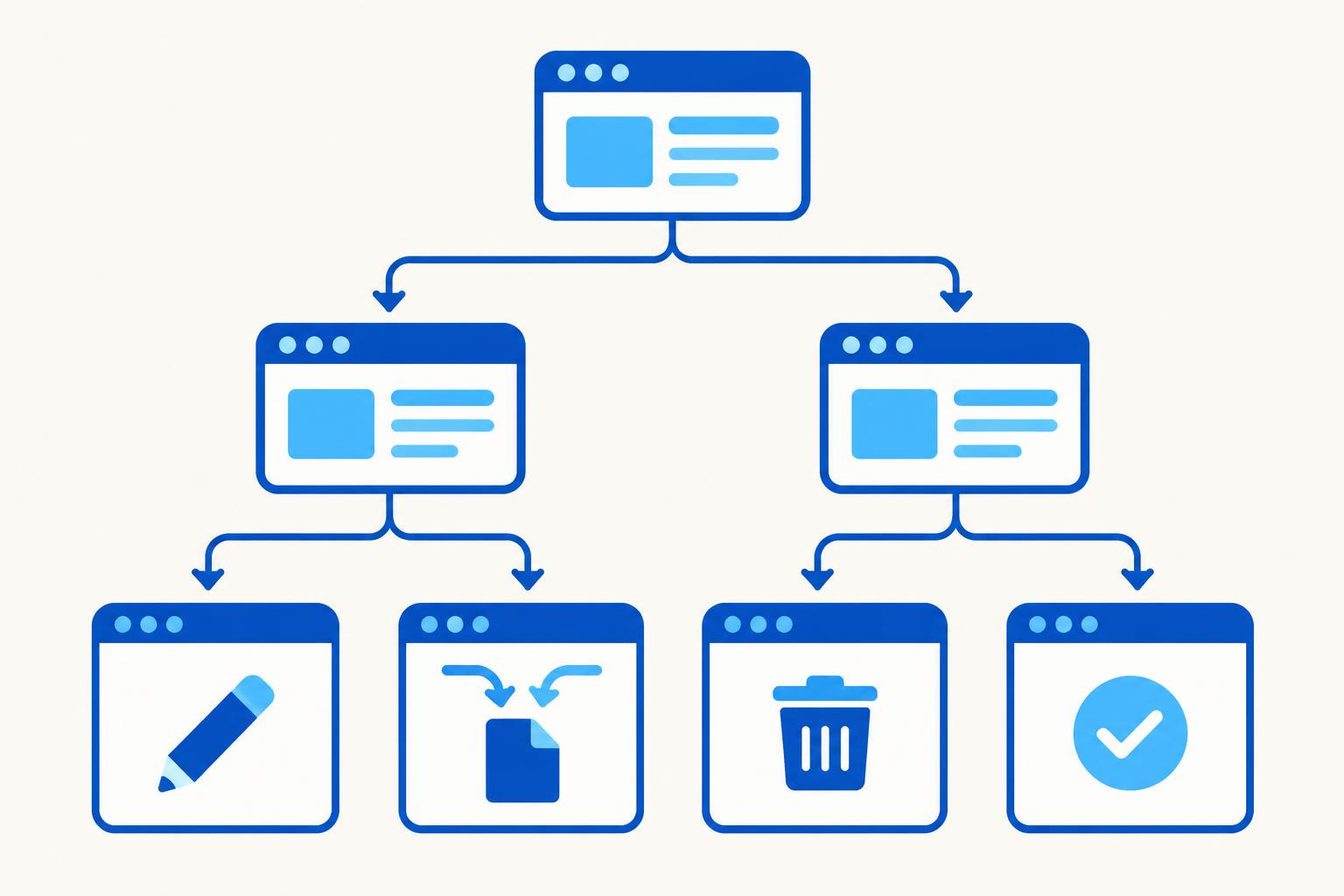
Update when the page has a real purpose but the content is dated, thin or inaccurate. These pages are often the quickest wins because Google already knows and trusts them. Refreshing a service page that slipped from position four to position nine usually beats writing a brand new page from zero.
Consolidate when several pages answer the same question for the same audience. This happens constantly on local sites: a "Boiler repair" page, a "Boiler repair Canton" page and an old blog post about boiler repair all competing with each other. Google has to guess which one to show, and often guesses wrong or shows none. Pick the strongest page, fold in anything worth keeping from the others, and redirect the retired addresses.
Remove when a page serves no current customer need. The 2019 special offer, the service you stopped offering, the news post about a trade show six years ago. If the page has links or leftover traffic, redirect it to the closest relevant page rather than deleting it. Otherwise remove it and clean it out of your menus and sitemap.
Leave alone when the page is accurate, useful and not overlapping anything. This is the action people skip because it feels like doing nothing. It is not. Every hour not spent rewriting a page that already works is an hour spent on one that does not.
A worked example
Maple Leaf Plumbing & Heating, our fictional Canton, Ohio heating company, had forty-two pages on its site. A one-afternoon review sorted them like this:
- Update (6 pages): the main service pages. Accurate services, but thin content, no mention of the towns they actually cover, and titles that all started with the company name instead of the service.
- Consolidate (5 pages into 2): three overlapping posts about furnace troubleshooting merged into one proper guide, and two near-identical "areas we serve" pages combined.
- Remove (4 pages): an old financing offer, a staff page for an employee who left, and two duplicate photo galleries, all redirected to relevant pages.
- Leave alone (27 pages): everything else, including the contact page and the reviews page, which were doing their jobs.
No new content was written at all in the first month. The updated service pages and the merged guide did the work, and the owner finally had a clear, honest list of what was actually missing: a page about heat pump installations, a service customers kept asking about that the site had never addressed. That is the right way to find new content ideas, from a gap you can name, not from a quota.
When new content genuinely is the answer
Add a new page only when you can answer yes to all three of these:
- Customers ask about it and the site does not address it anywhere.
- The business can actually deliver it profitably.
- The page has an obvious home in your menu and links from related pages.
If any answer is no, the opportunity is not real yet.
Try the four-way sort yourself
The tool below walks you through the same three questions for any page on your site and tells you which of the four actions fits. Run your five most important pages through it and you will have the start of a content plan.
If you want the wider picture, the $29 Local SEO Audit checks your website pages alongside your Google Business Profile and your three closest Maps competitors, so content decisions sit next to everything else that affects your rankings. Our free on-page SEO checker is a good first pass for individual pages.
Try it: what should you do with a page?
Pick a real page from your website and answer three questions about it.
About local-SEO.com Editorial Team
The local-SEO.com editorial team covers search and AI updates that affect local businesses and the agencies that serve them.
More articles
Have a story or tip? Write for us.